
Shoes
Find a pair by silhouette: sneakers, casual shoes and boots have their own lists. Open a promising find to compare the sole, panels and available QC angles, then check sizes on LoongBuy.
Find the piece you came for.
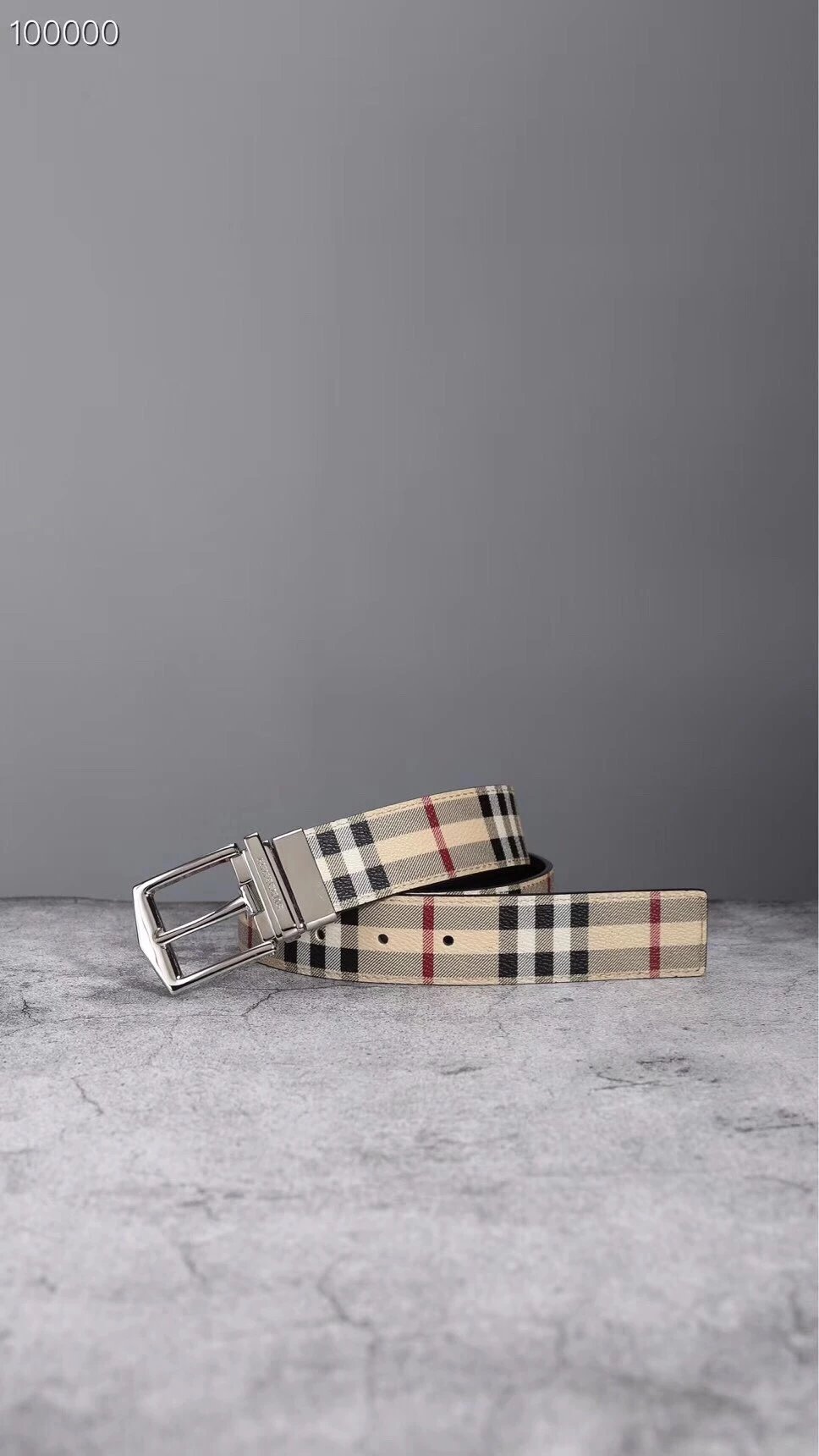
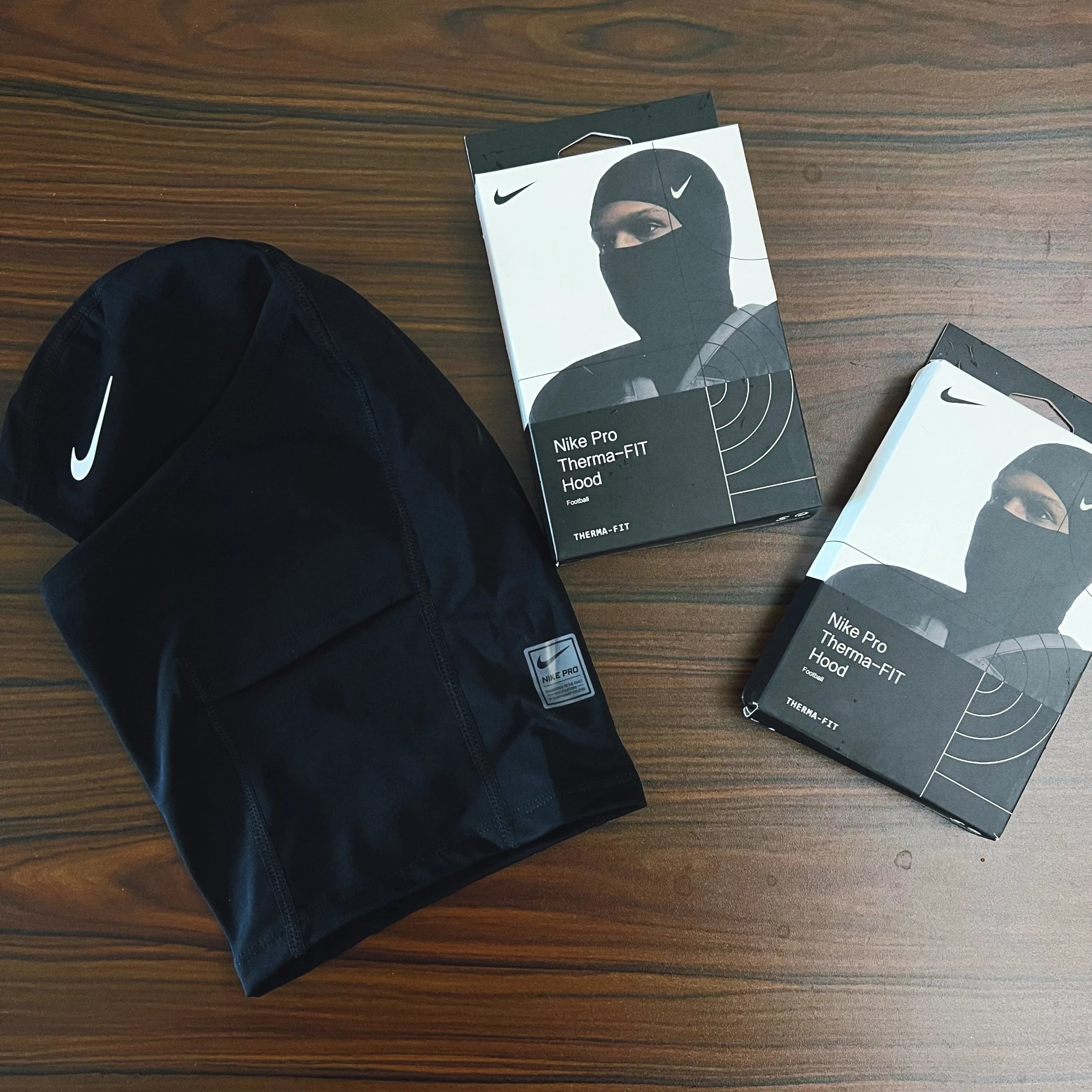
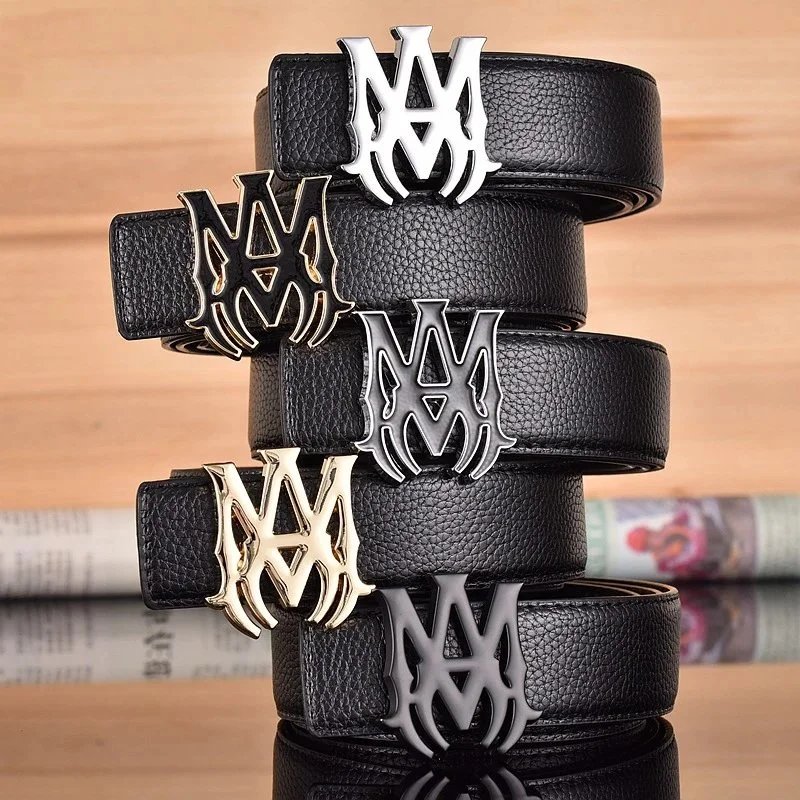
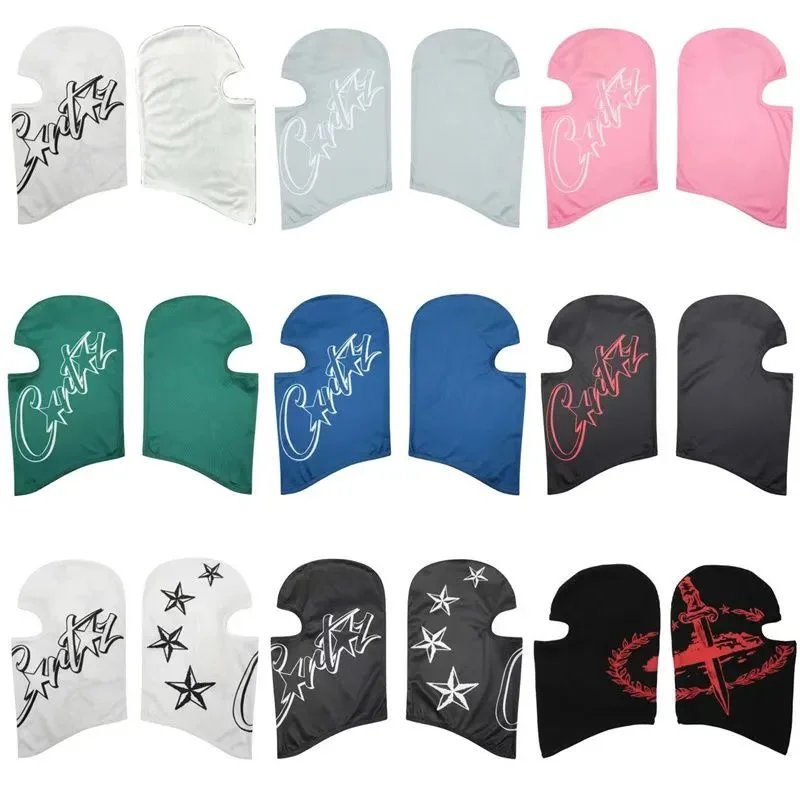
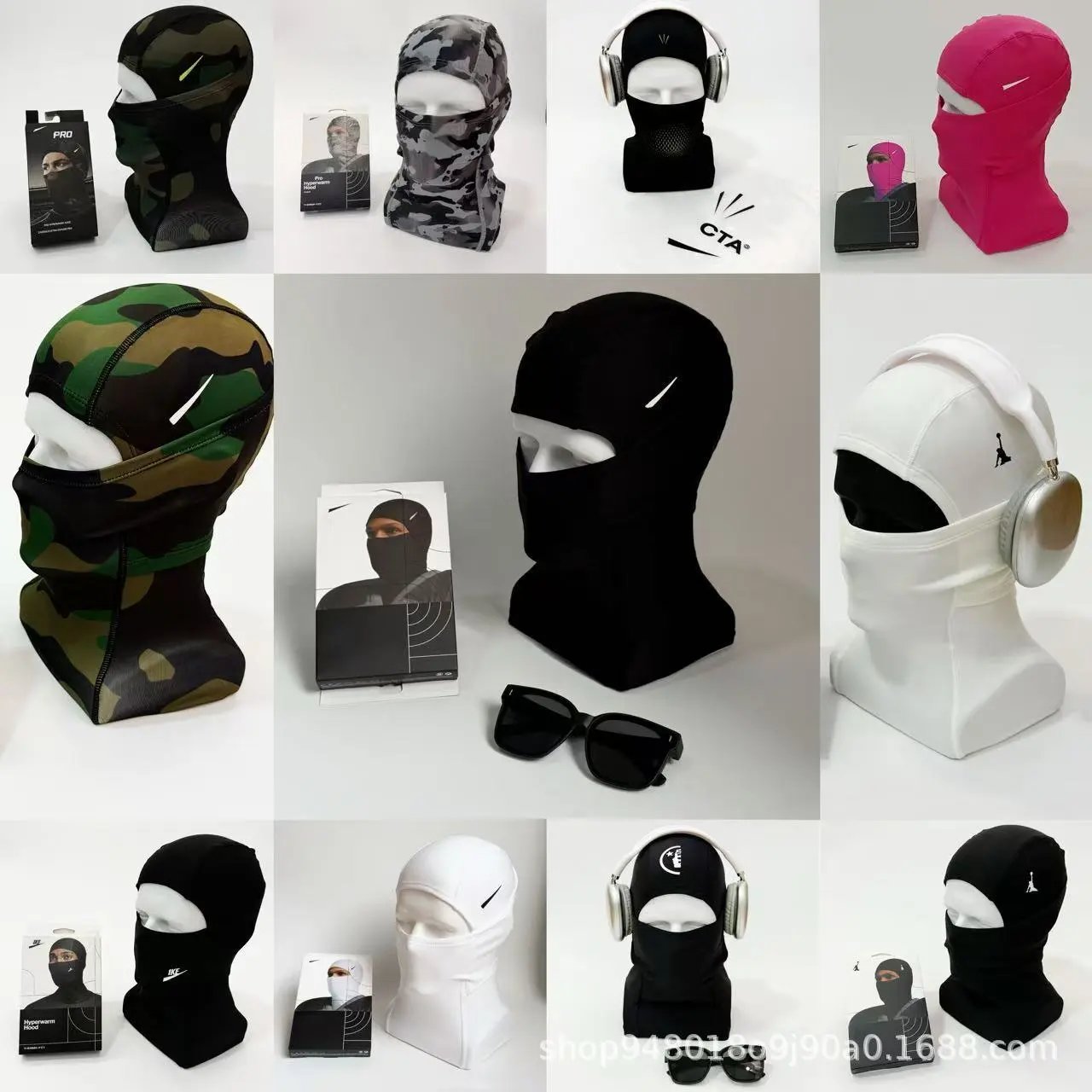
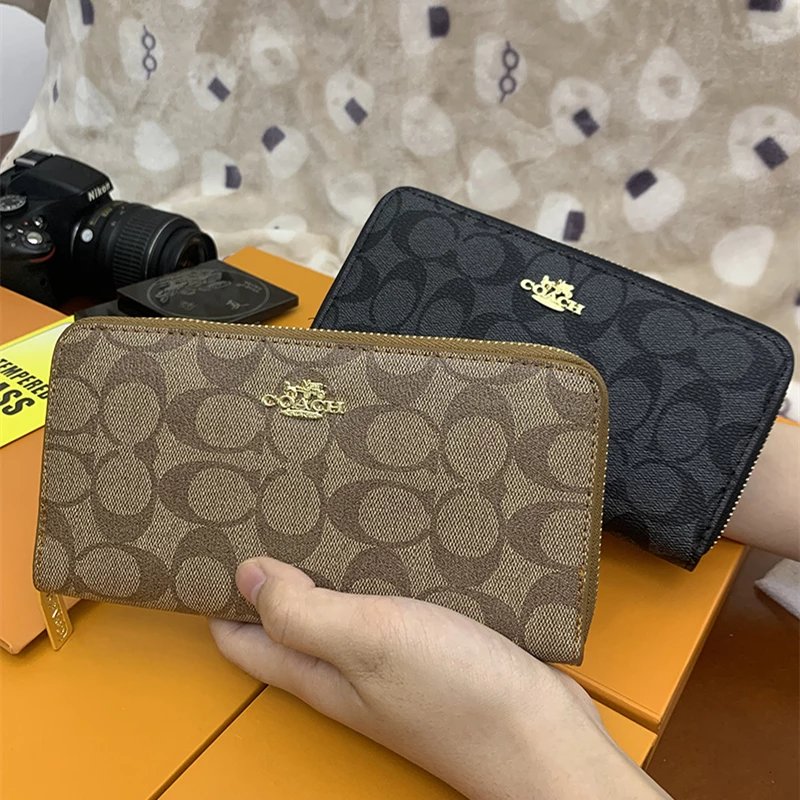
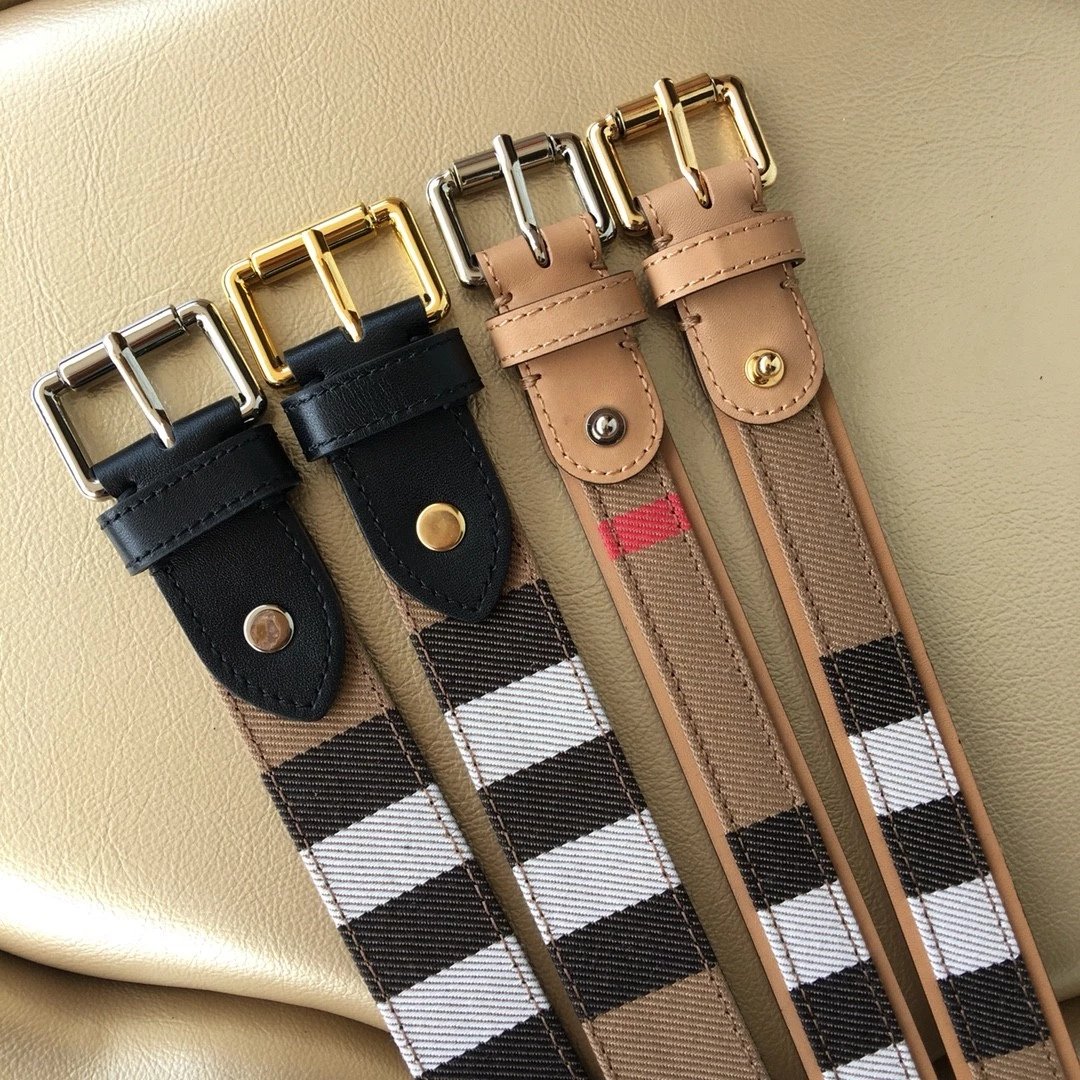
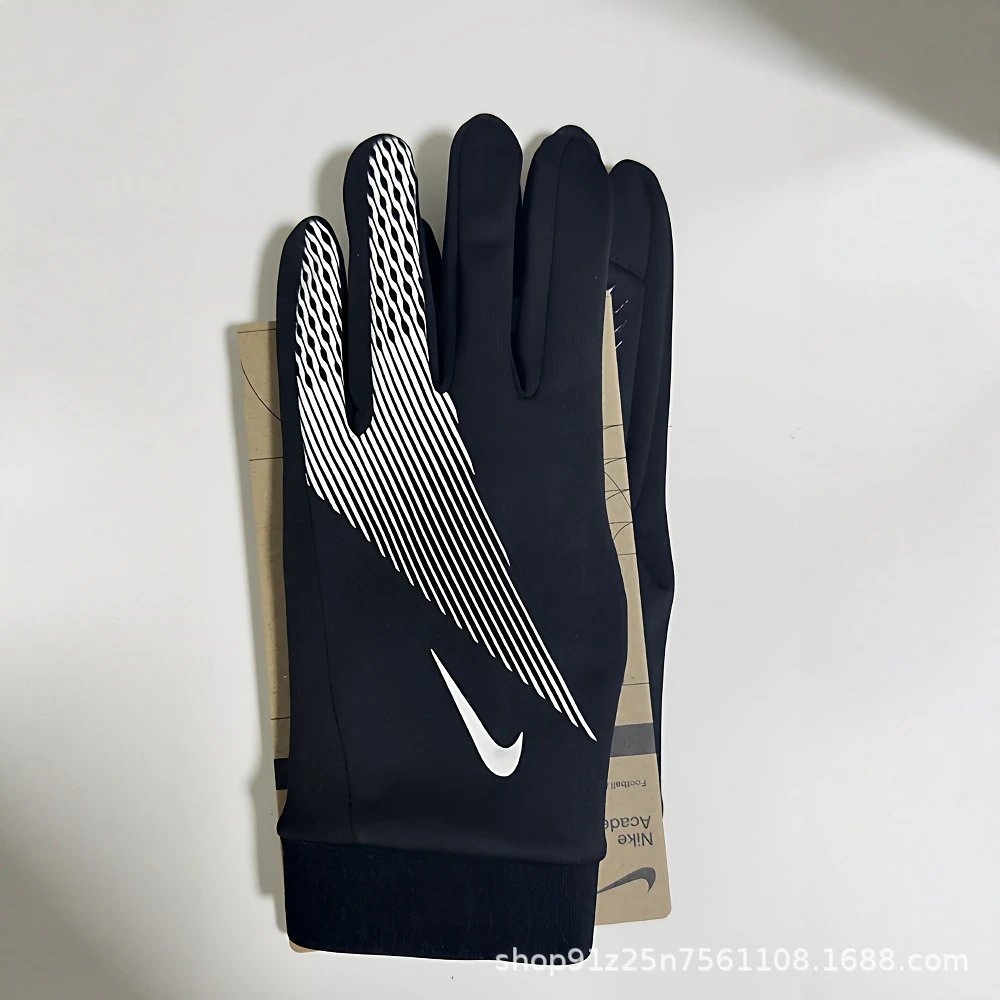
A visual LoongBuy spreadsheet for the details that matter. Search sneakers, clothing, bags and everyday finds, compare photos and reference prices, and follow the original item into LoongBuy.
Find a pair by silhouette: sneakers, casual shoes and boots have their own lists. Open a promising find to compare the sole, panels and available QC angles, then check sizes on LoongBuy.
Look through tees, polos, shirts, hoodies and knits without mixing them into one long search. A model name or print detail can help narrow a full category to the piece in your reference photo.
Compare denim washes, trouser cuts and shorts in their individual categories. The pictures are a useful starting point; use the actual listing measurements to choose a size.
Search jackets, coats and padded layers by the detail you remember. Check the fastening, collar and lining across the gallery instead of judging a piece from its first photo alone.
Keep matching pieces in view while browsing coordinated outfits. Read the destination options to see whether the pictured top and bottom are included together or sold separately.
Browse everyday layers, underwear and socks. Check colour and multipack options carefully: the same product photo can represent several quantities or combinations.
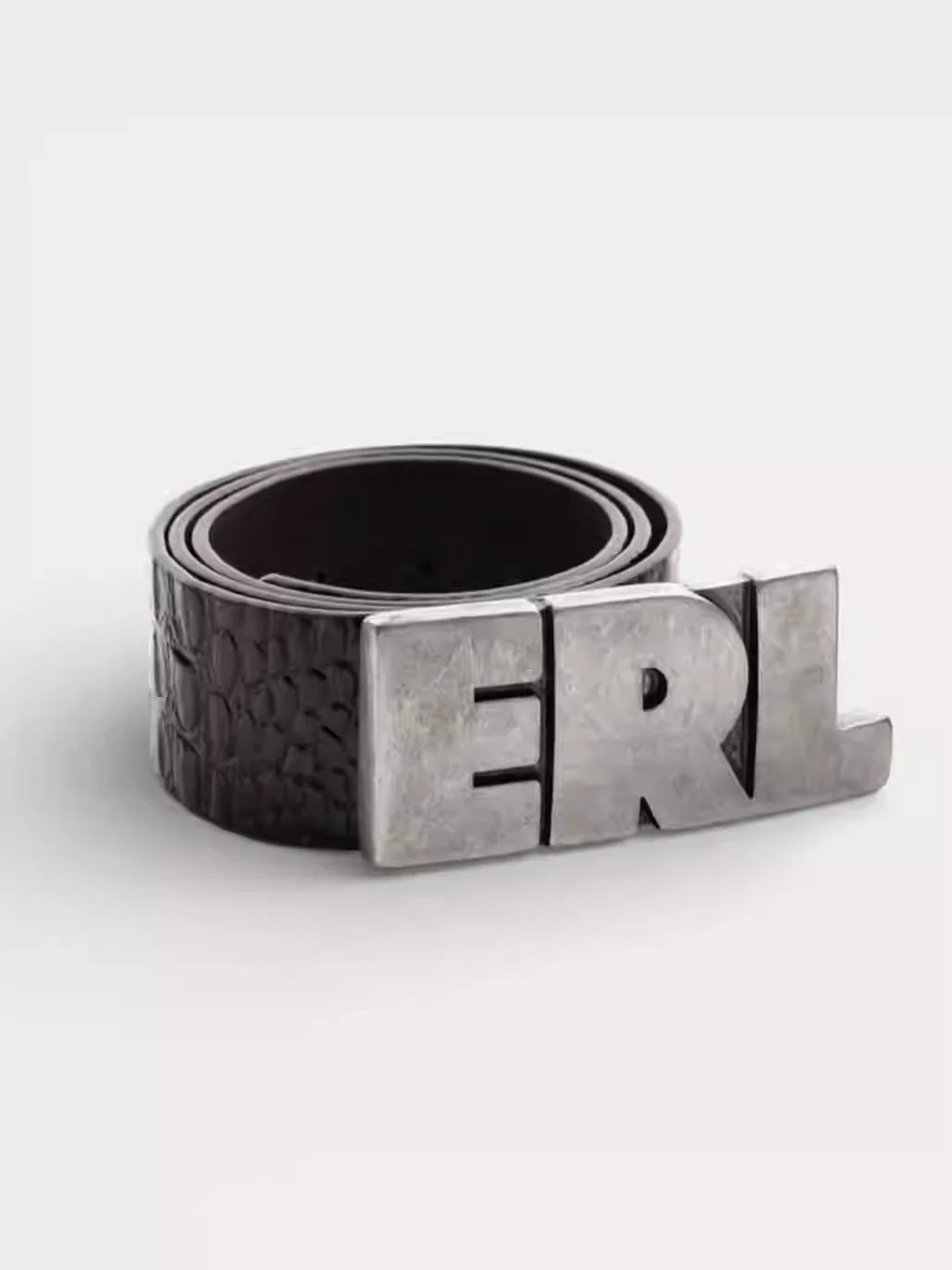
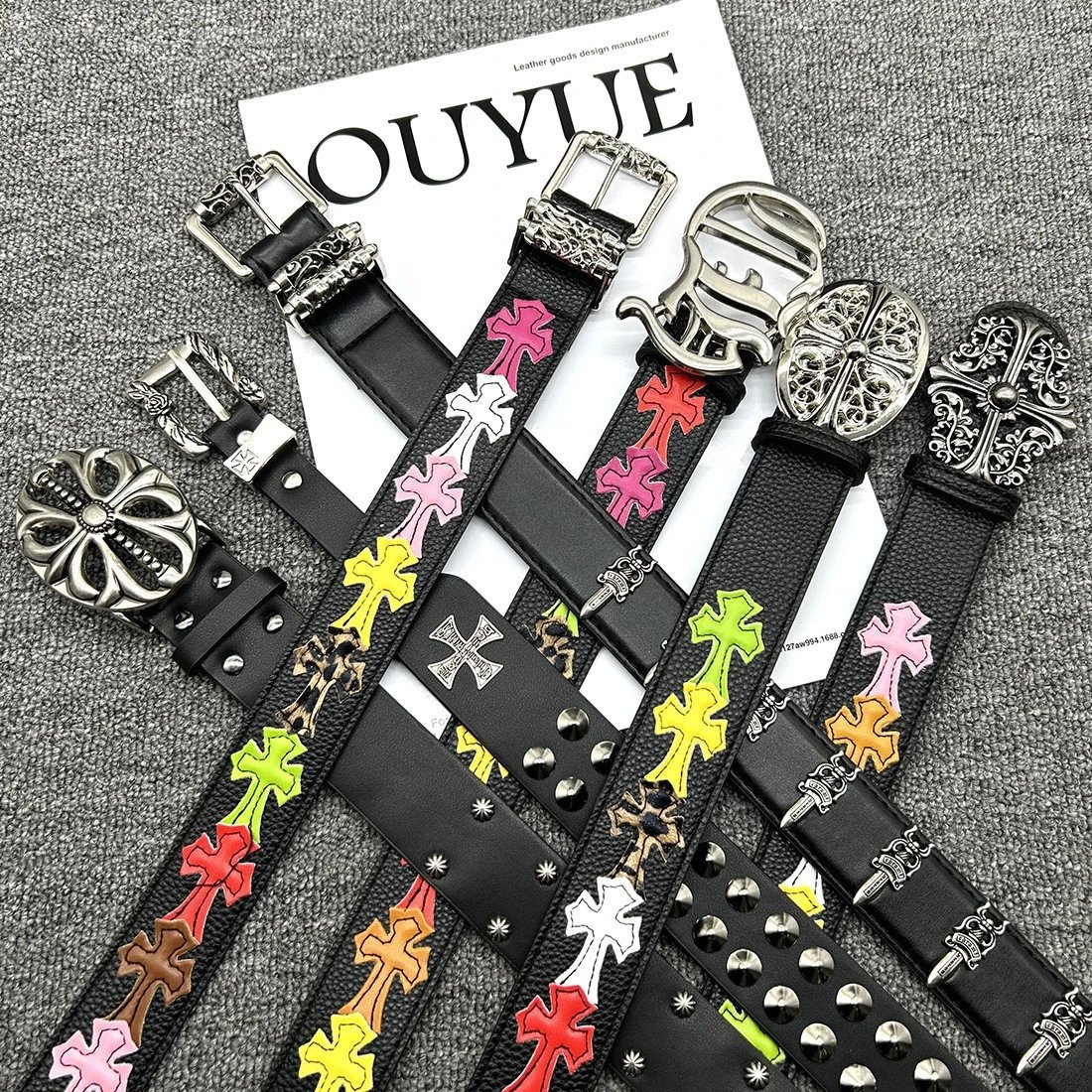
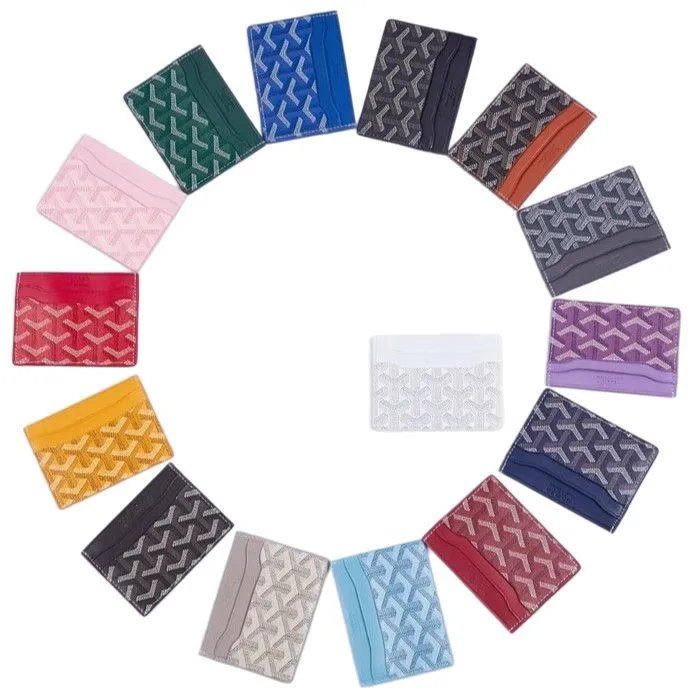
Explore bags, belts, hats and smaller accessories by item type. Open the full images to compare proportions and hardware; confirm dimensions and included pieces on LoongBuy.
Use model names to find devices and accessories. Compare the pictured ports and connectors, then read the destination listing for the specifications that determine compatibility.
Browse the finds that sit outside the clothing categories. Photos can show appearance, while the original listing is where to check measurements, materials and the contents of the offer.
Use it as a visual starting point for your next find. Browse sneakers, clothing, accessories and other categories, search a name or model, and compare reference prices and photos before following a product into LoongBuy. Each detail page brings together the available product images, pictured styles and QC. This is an online browsing directory; it does not create a cart or reserve the items you view.
Choose Categories for a directory of departments and their smaller lists. Sneakers sits within Shoes, Hoodies within Tops, and bags within Accessories. A broad department is useful when you are still exploring; a subcategory makes a more focused starting point. Open a find to compare its photos and available QC, then check the exact options in the destination listing.
Try the model name, product type or a short distinctive phrase. If the results are too broad, add a useful detail; if nothing appears, remove less important words and check the active category and brand. Product titles may use different wording from your reference. When you only have a picture, switch to Image search and compare the visual matches rather than assuming they are identical items.
Pick a brand or sort order and the matching list refreshes immediately. The controls work with the current search and category, and changing a condition starts again at the first page. Active filter labels show which conditions are in use and allow individual removal. Use Reset to begin a fresh browse. Keep the same display currency when comparing prices and open the item to inspect its actual options.
QC photos show the particular photographed item, not a promise about a future purchase. Compare visible stitching, print placement, colour, shape and finishing against the product gallery. Some finds have no QC here; that means photos are unavailable, not that the item passed or failed a check. Lighting and angles affect appearance, and a picture cannot establish authenticity, material quality or fit. Review the photos for your own order when they become available.
Open the main image or a QC photo to enter its viewer. Use the next and previous controls to compare angles, zoom to inspect details, and close the viewer to return to the page. Thumbnails can be cropped to keep the layout tidy; the viewer uses the full image. Product photos and QC form separate galleries, so check both groups and match the pictured style to the option you intend to buy.
It changes the pictured style in the main gallery so you can compare designs or colours. It does not select a size, reserve an item or add anything to a LoongBuy cart. Several purchase options may share one photo, and the displayed reference price can differ from the price of your final choice. Make your actual colour, size, quantity and other selections on the LoongBuy product page.
Open Image search, then choose, drop or paste a JPG, PNG, WebP or GIF up to 20 MB. Use a clear image with the item visible; a crop that removes unrelated objects can make comparison easier. The results are visual suggestions, so inspect the product title, details and photos yourself. Use the result page buttons to view the returned matches, then open a product to compare its gallery and available QC.
The button opens the same supported Weidian source item through LoongBuy and carries this site’s referral code. Its link contains the original source URL, including the marketplace product ID, rather than a catalogue record number. Compare the destination title, images and options before proceeding. A sign-in request does not place an order or create an account; continue only after checking the product and your selections on LoongBuy.
Prices are references for comparing finds. The first visit uses US dollars when exchange rates are available, and you can choose another currency in the header. Conversion does not lock an exchange rate or change the seller’s listing. Different styles or sizes can have different prices, and the current offer may have changed. Confirm your chosen option and the amount shown on LoongBuy before buying.
Use the destination LoongBuy listing before ordering. Check the option names, size chart or measurements, quantity and current availability for the exact item you want. Reference photos and stored product information do not reserve stock or prove that every pictured option remains available. If an offer has changed or disappeared, try another find; this directory cannot restore a seller’s listing or confirm stock on the seller’s behalf.
LoongBuy Lists is an independent discovery site, with referral links that may earn a commission. Its role is to help you browse finds and compare the photos and reference information available here. Accounts, purchase choices, payments and orders are handled on LoongBuy. For an existing order or account question, use the support provided by that platform and keep your own order details available.